Create validations, transformations and mappings on any edge. Data comes in, the AI assistant performs the transformations and validations
AI is never applied at run time. It generates hidden code in the designer, so it is fast and 100% consistent.
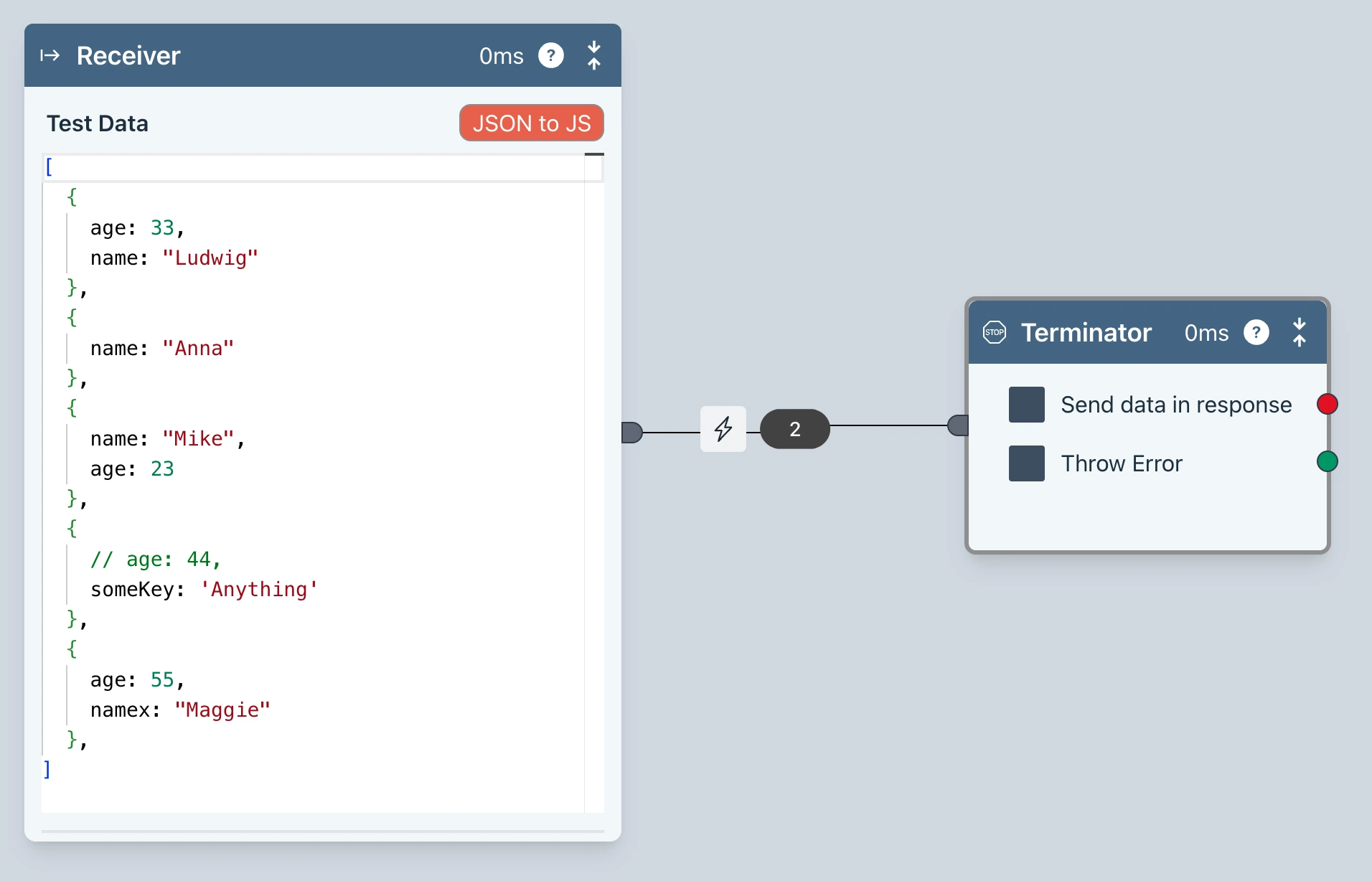
Transform data on any edge
The AI icon on the edge indicates opens the AI Assistant
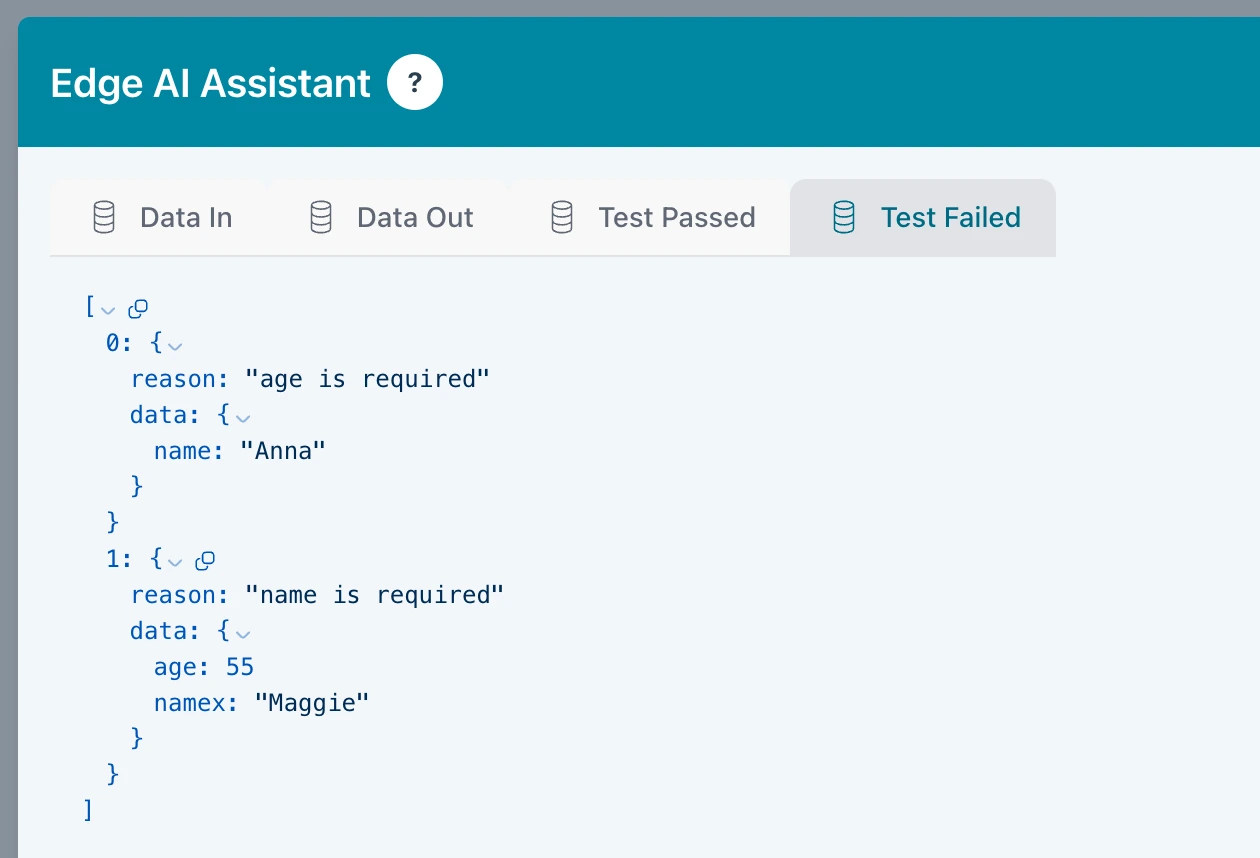
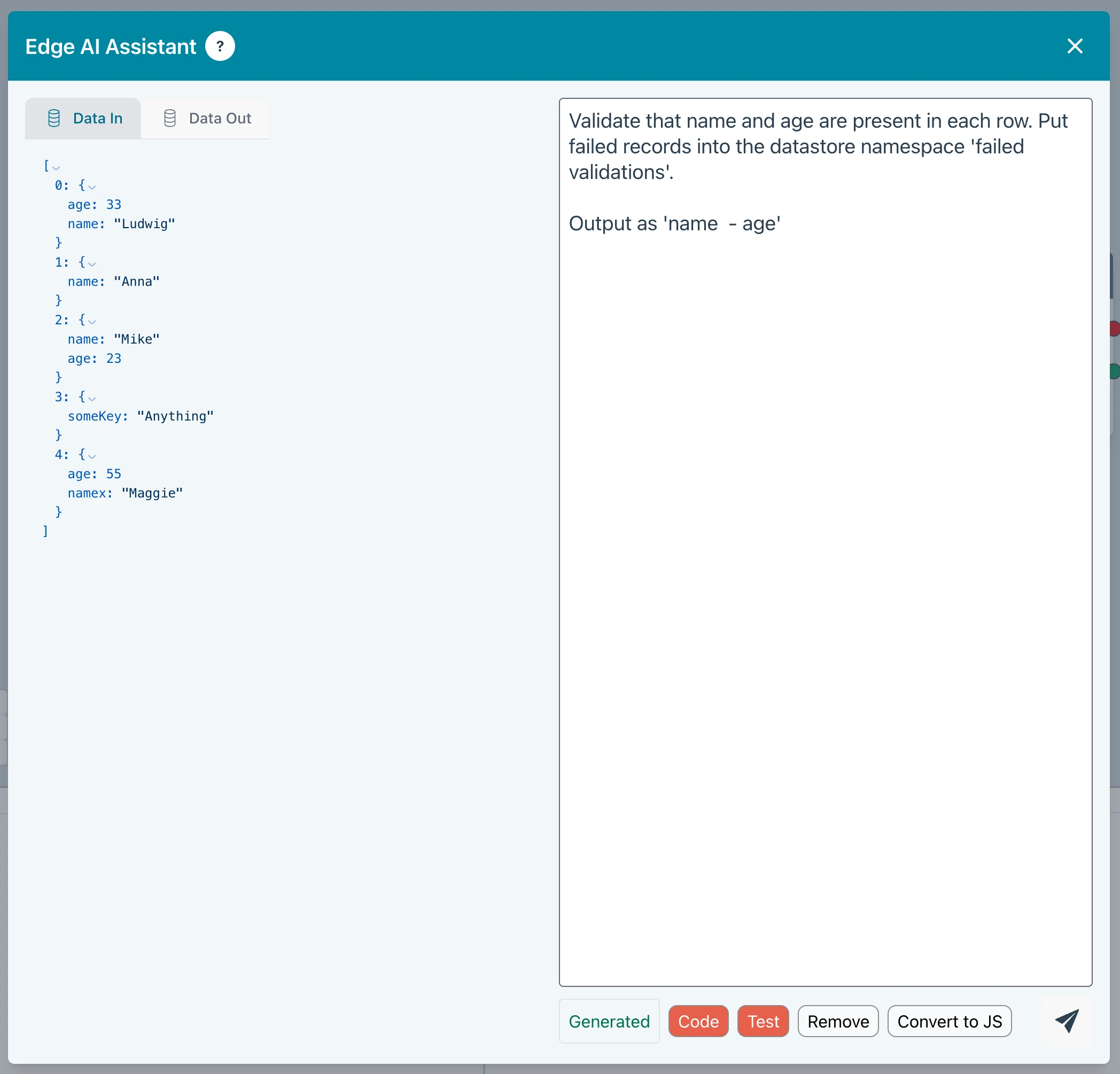
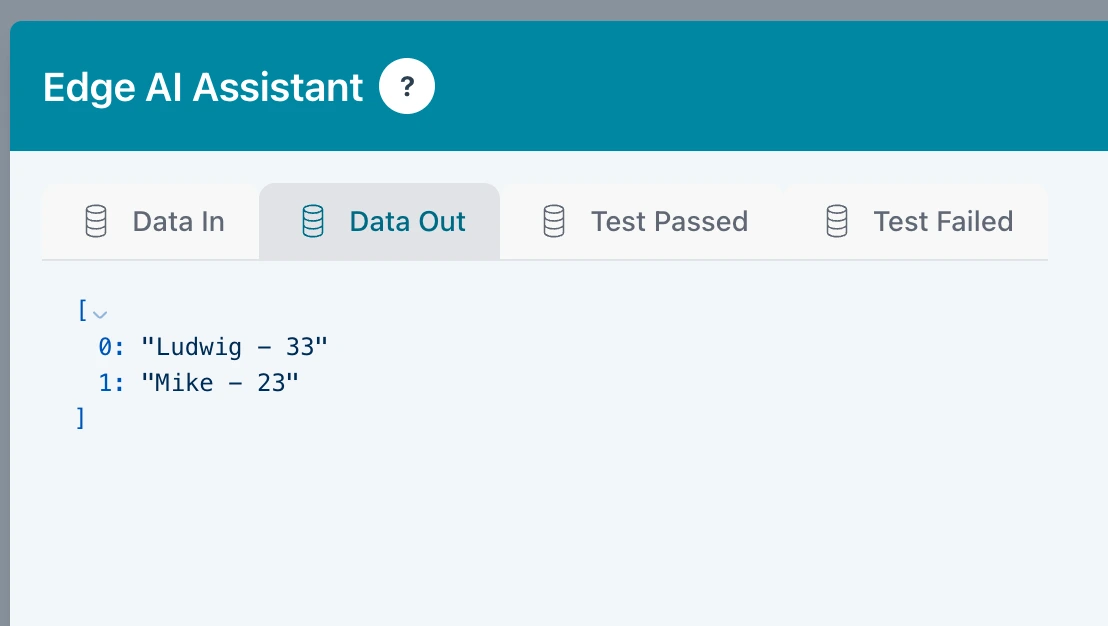
Natural language prompt
The AI Assistant uses the incoming edge data to ensure it has full context for optimal transformations with minimal input. Error handling and validations elegantly handled. Writes failed validations to the Ziggy Data Store if requested.
The Javascript block is the ideal do anything block. With Ziggy's AI Assistant, non-developers can get the job done, too!
Example flow
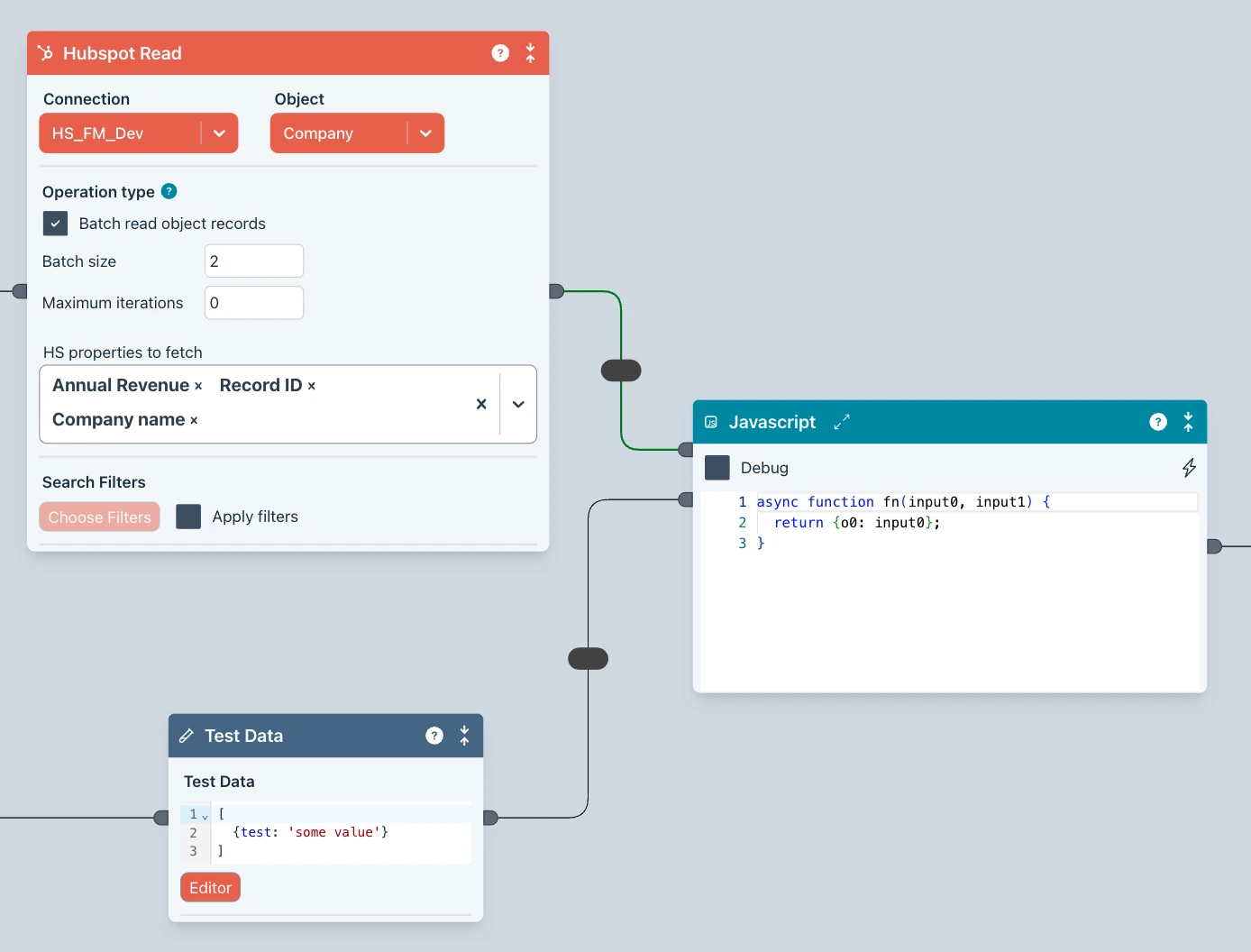
Here's a flow that reads data from your CRM. We also have some extra data. We want to perform some custom operations to transform the data
Perform the magic
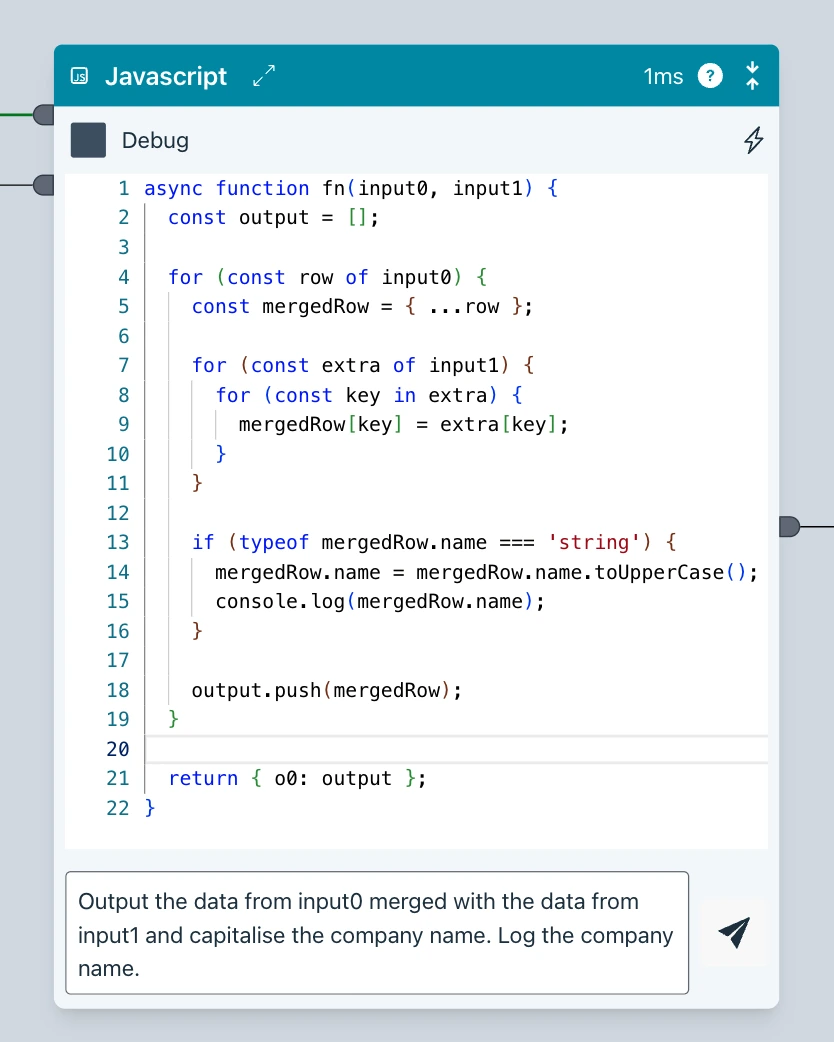
Now enter your instructions. Ziggy handles the data context by passing in the edge data. You can see the generated code.
And, of course, you can now edit the Javascript code.
Help! What does it do?
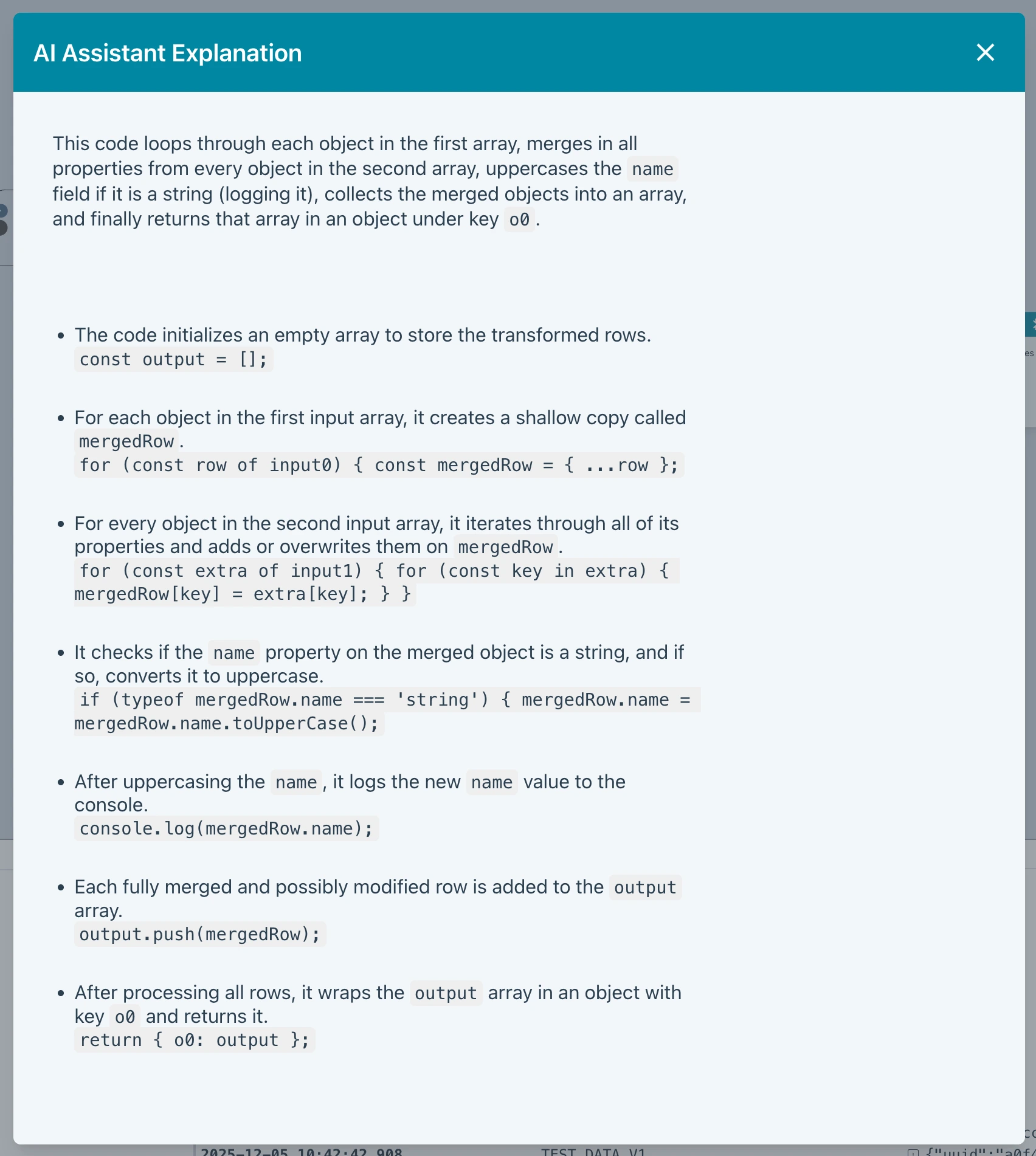
If you have some Javascript code already present, you can enter Explain in the prompt and it will do just that.
Example flow
Here's a flow that reads data from your CRM. We also have some extra data. We want to perform some custom operations to transform the data
Perform the magic
Now enter your instructions. Ziggy handles the data context by passing in the edge data. You can see the generated code.
And, of course, you can now edit the Javascript code.
Help! What does it do?
If you have some Javascript code already present, you can enter Explain in the prompt and it will do just that.
The AI Generate block is a great way to generate content based on data on the incoming edge. This is great for summaries or whatever else you can turn you mind to.
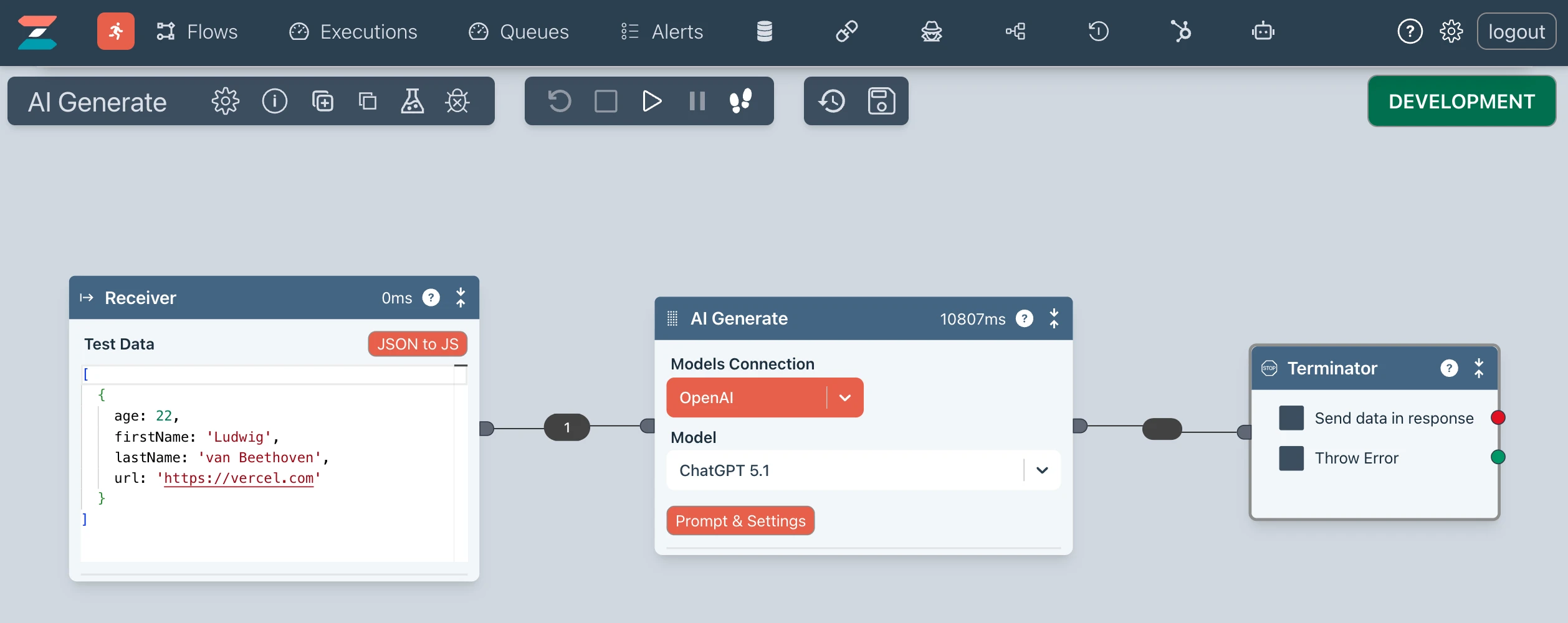
AI Generate block in a flow
Insert the AI Generate block anywhere into your flow. Note the data coming in (Receiver)
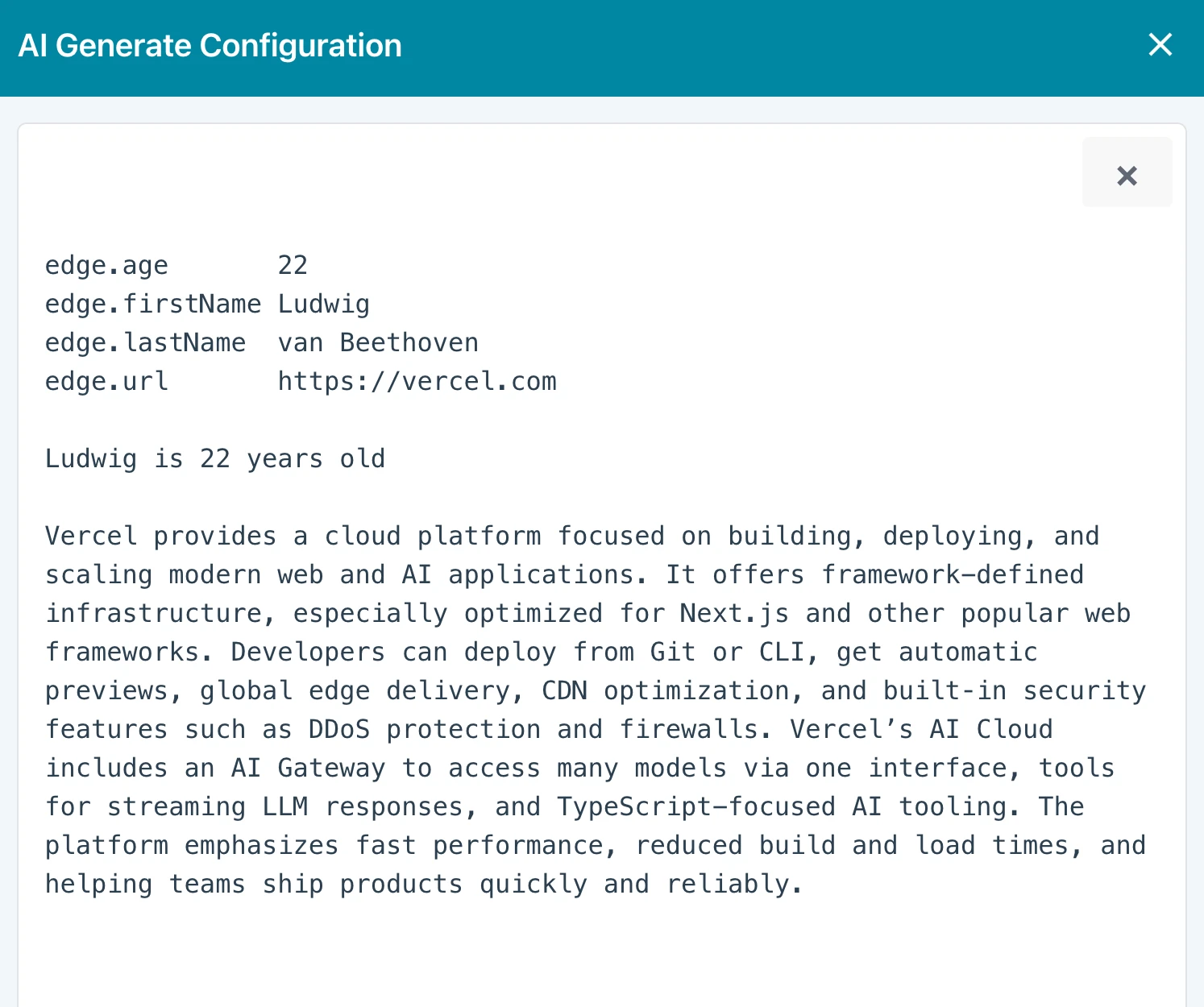
Test it
You can test the prompt quickly and easily without having to run your Flow.
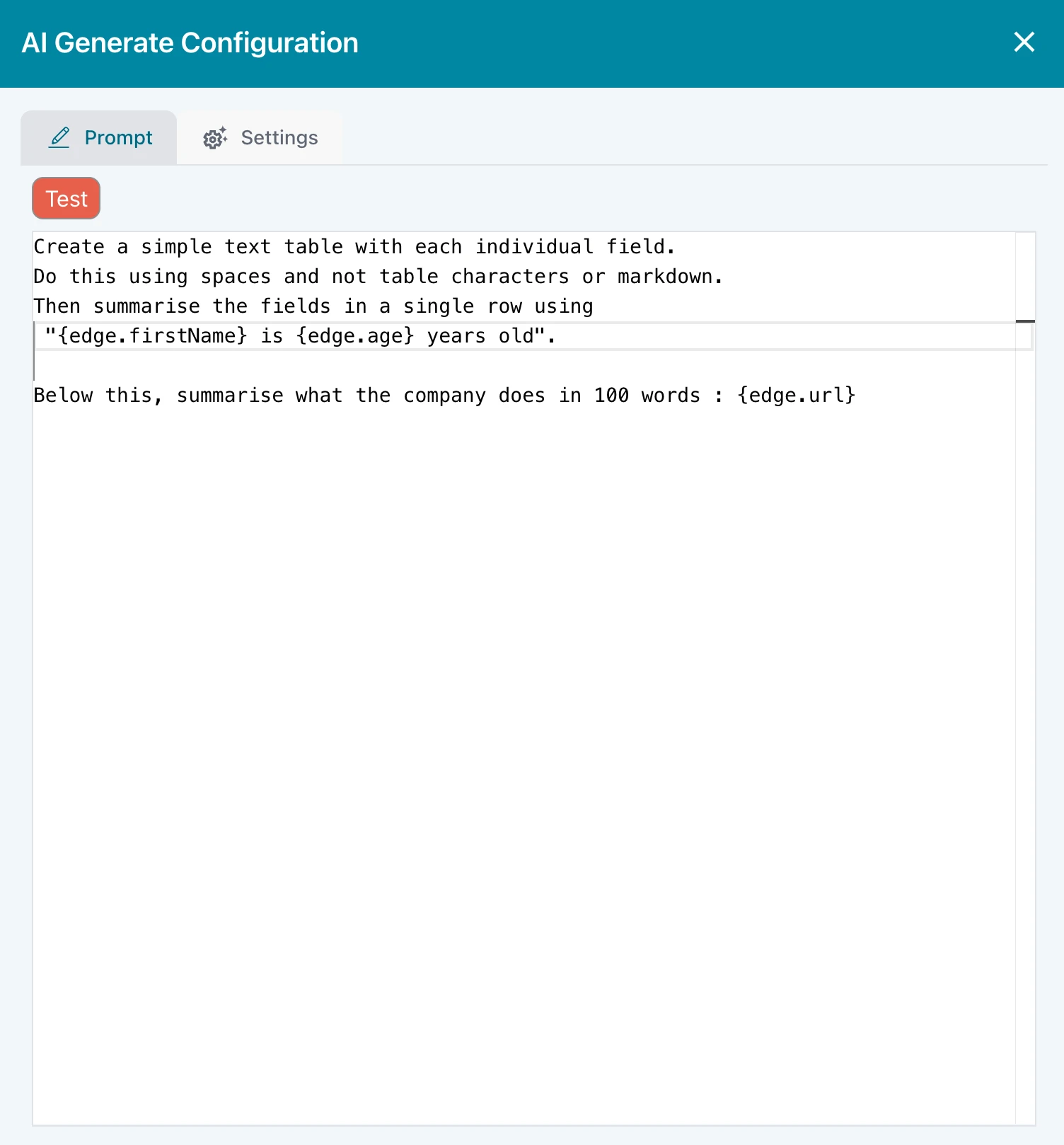
Configure your prompt
Ziggy passes the edge data to the context when building, testing and running.
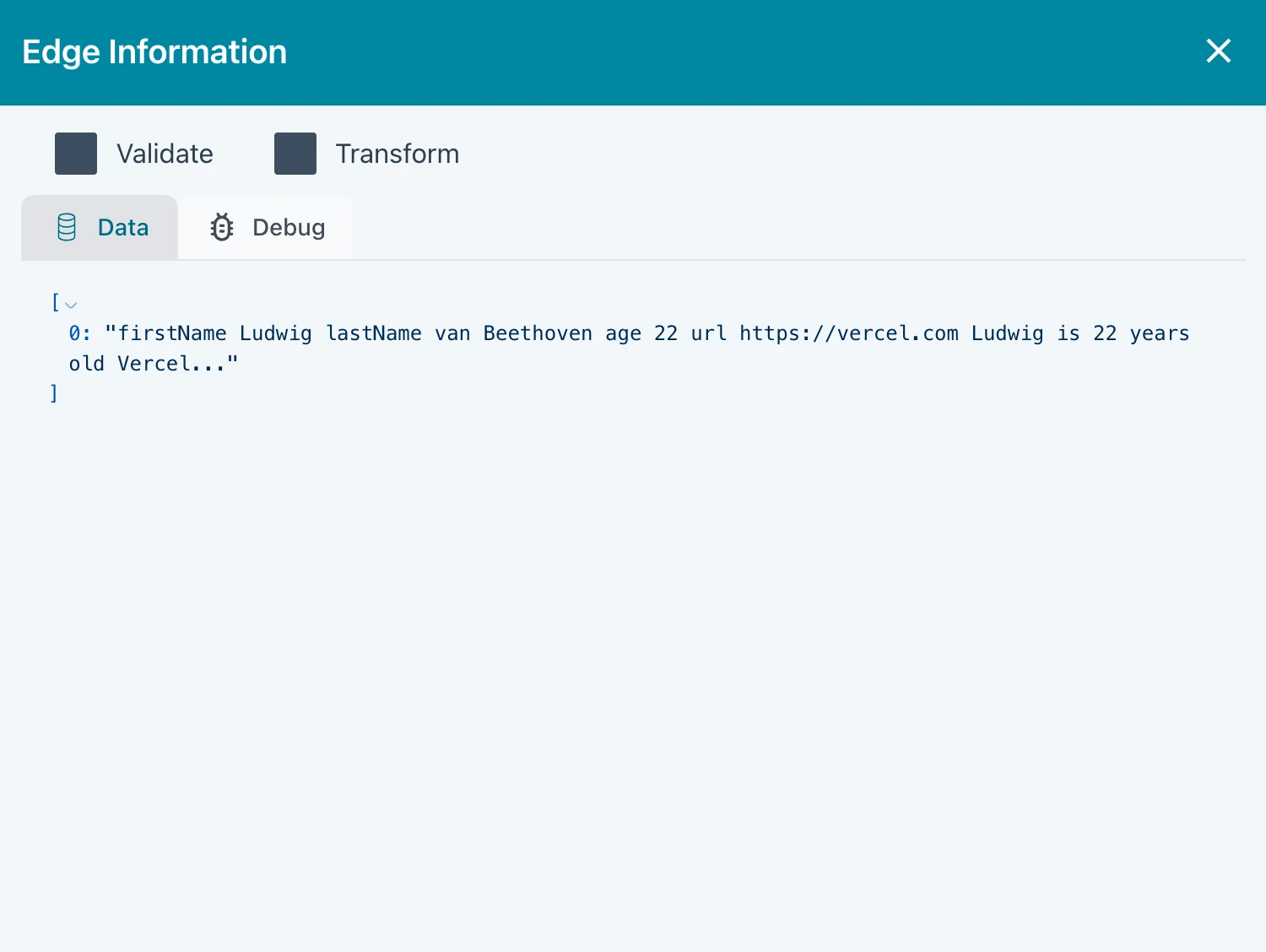
Flow execution
When the flow runs, the data is placed on the outgoing edge ready for the next block.
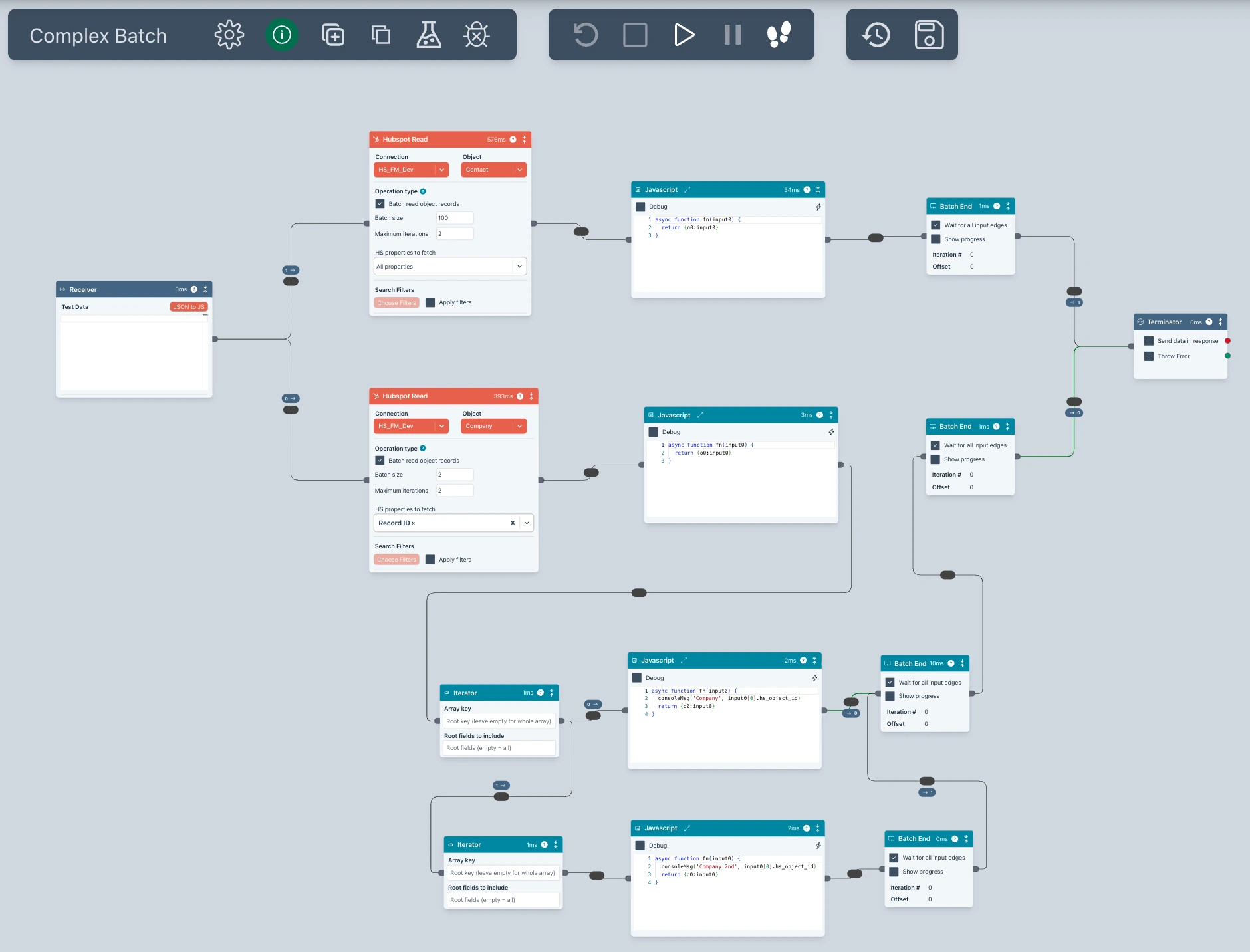
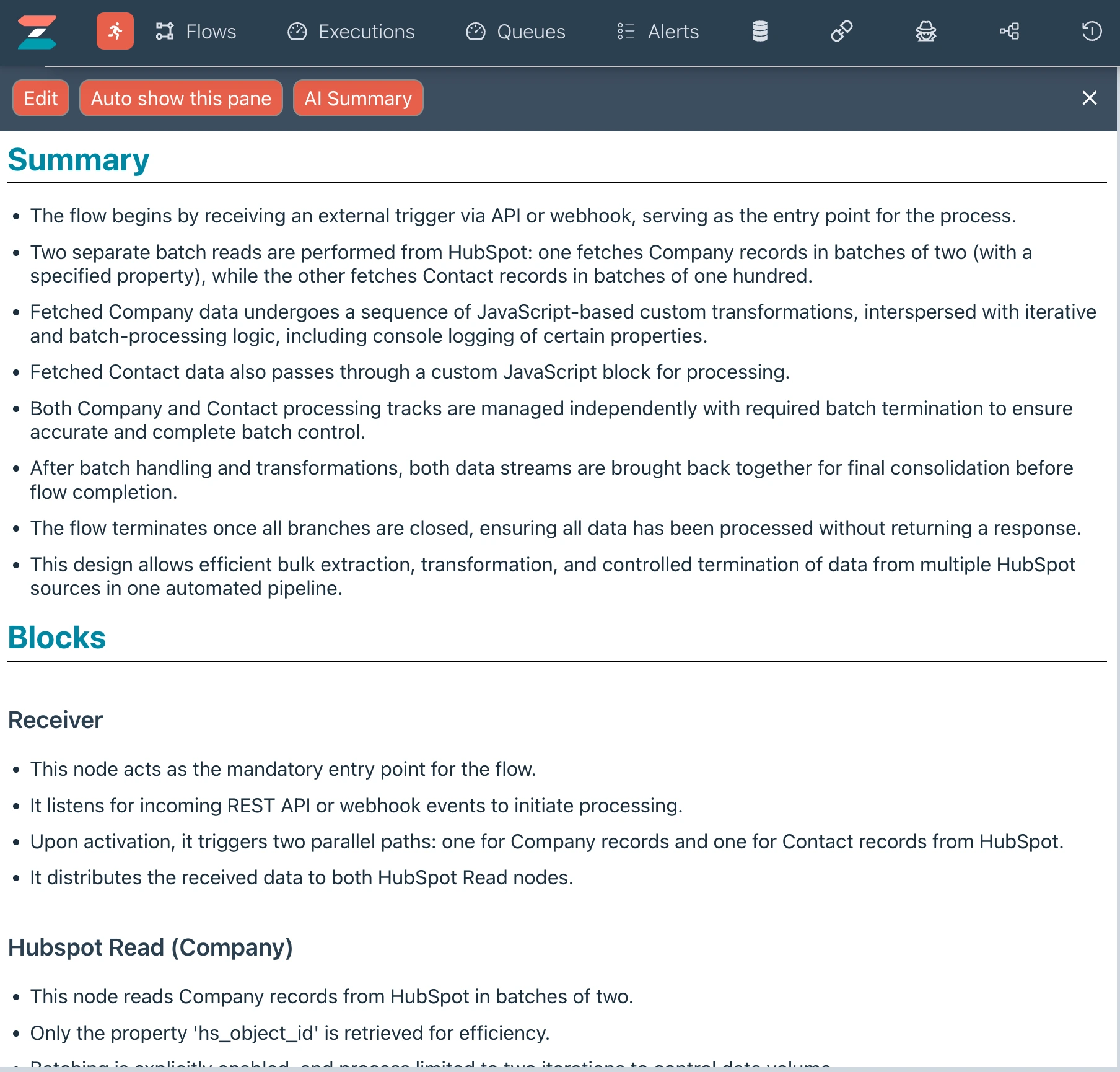
Sometimes you're faced with a Flow and you're not sure it does. Ziggy can explain with a button click.
Transform data on any edge
Click the AI icon on the edge to open the AI Assistant
Natural language prompt
The AI Assistant uses the incoming edge data to ensure it has full context for optimal transformations with minimal input.
Agentic Flow building is under active development and will be available soon.