Do you want to give your customers the ability to pull data from your platform and push data into it?
You can see how to extend Ziggy with plugin blocks so they can effortlessly do things with your data that gives them all the flexibility they need and avoids the complexities.
Integration Partner Info
Integrate Ziggy with your platform for your customers.
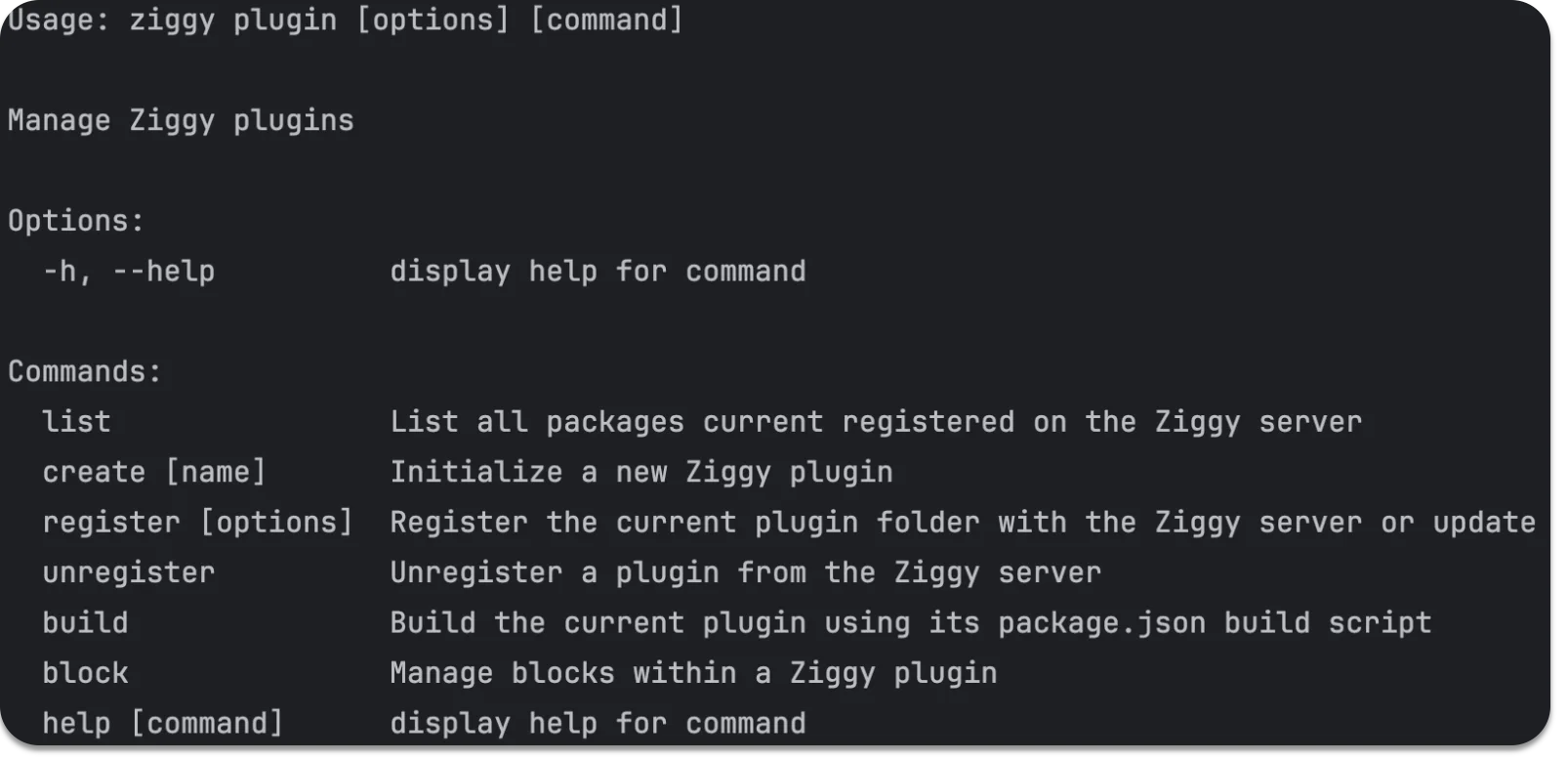
Customize Ziggy by creating plugin blocks. You control both the UI and the run-time with simple TypeScript code.
Ziggy source code is also available for those who require the ultimate control.
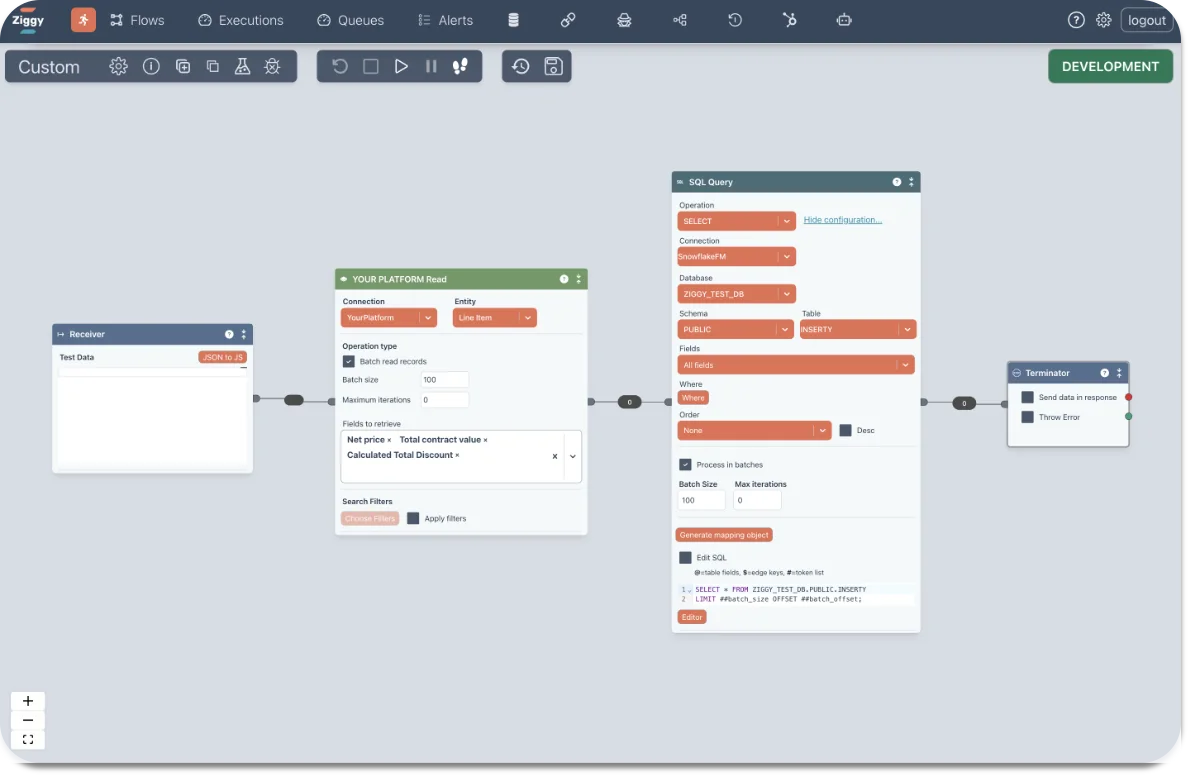
Embed in flows
This flow read from your platform (green block) then writes to Snowflake
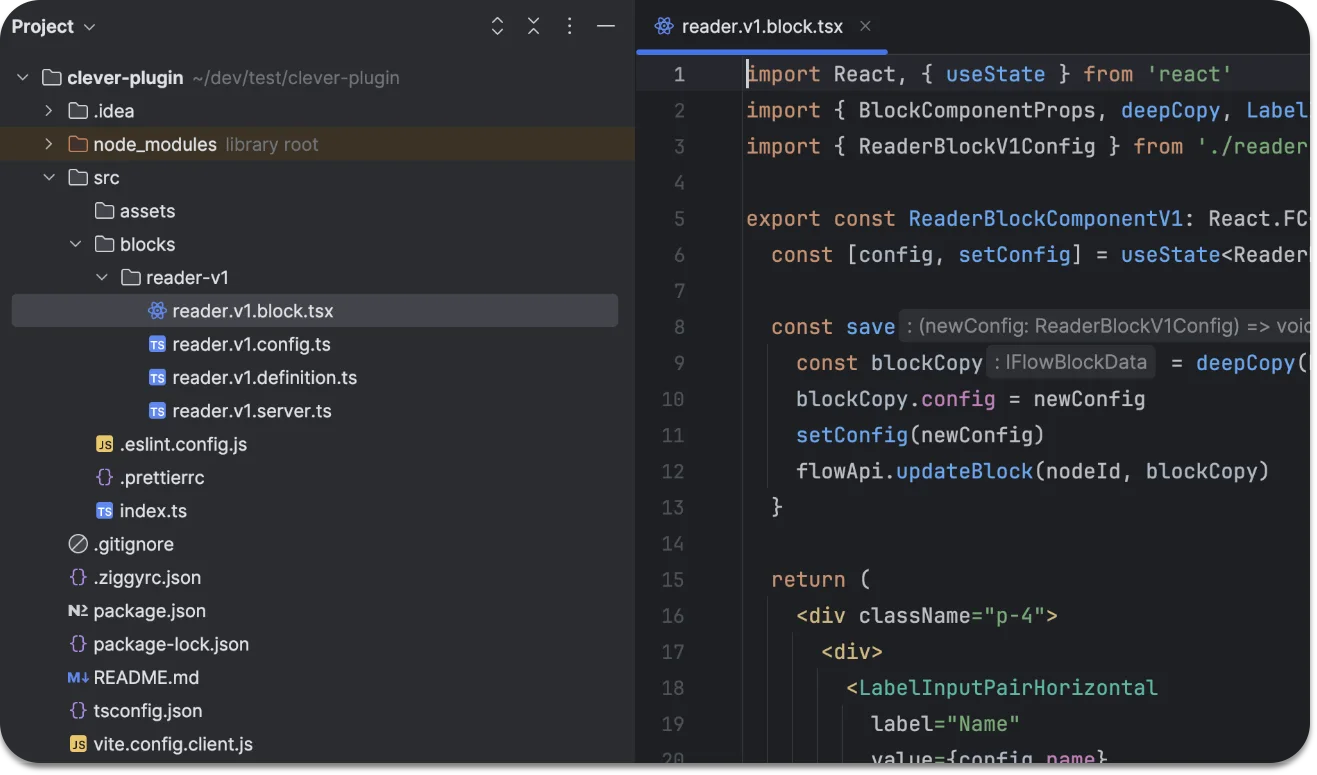
Code
Each block consists of a React UI component and an execution component - written in TypeScript
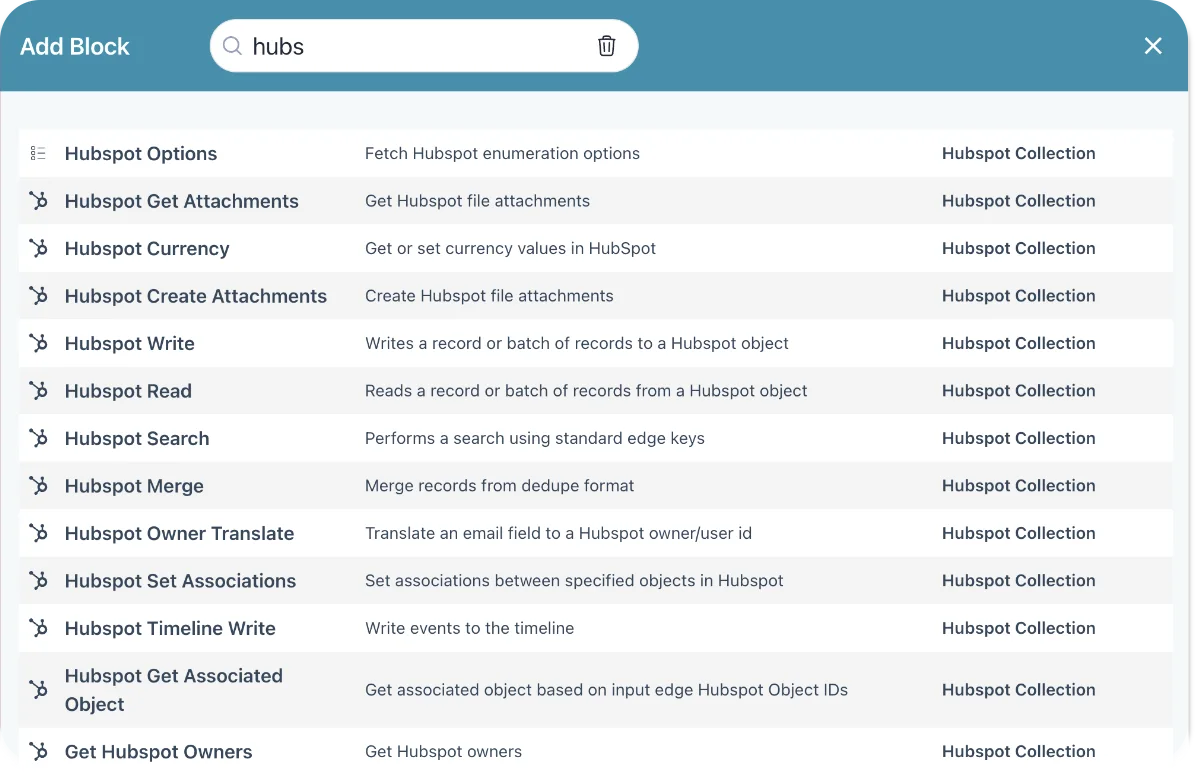
Access to your platform
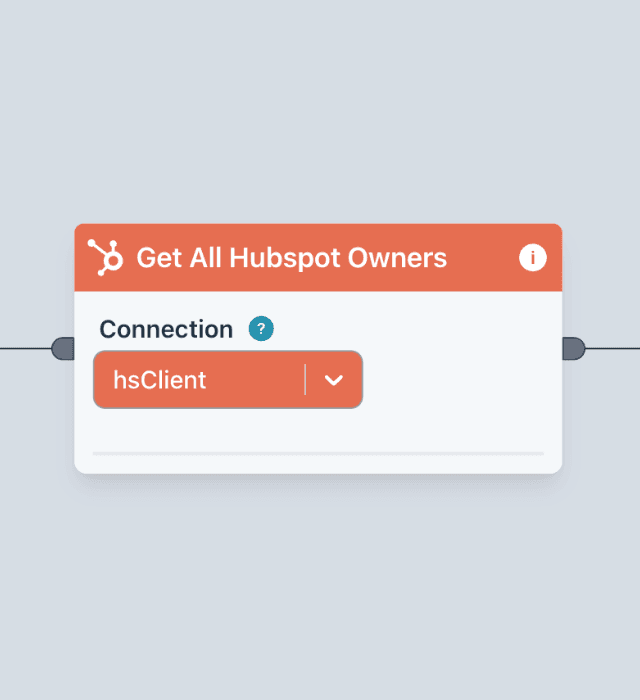
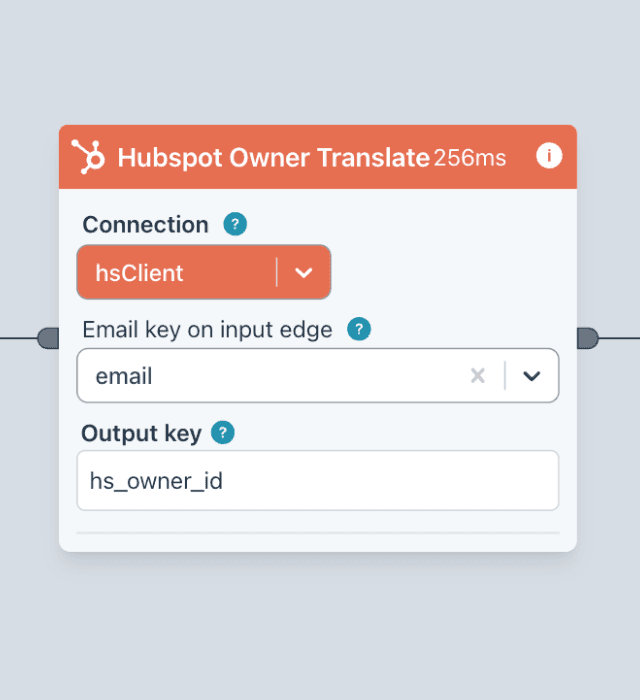
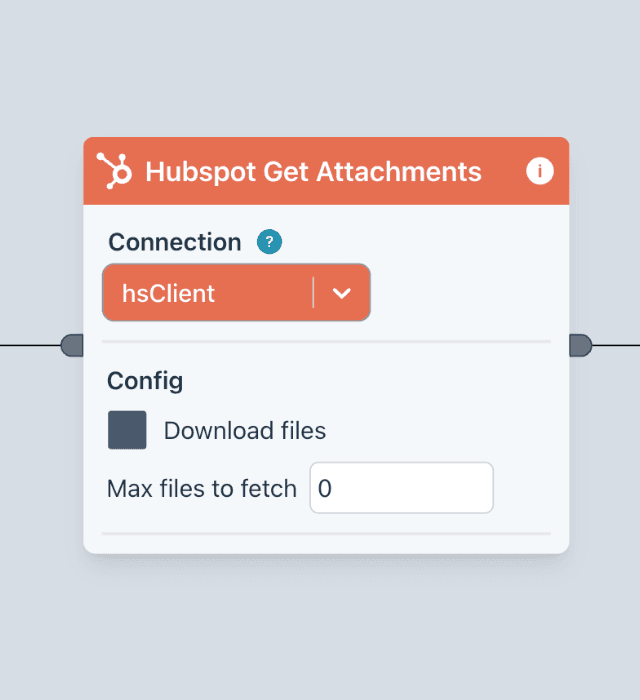
Build a collection of blocks that provide access to your platform for your customers. Above is a collection of HubSpot blocks, for example.
Your platform's block collections
In Ziggy, each block should perform one simple action. A typical implementation will have a collection of blocks.
Below is an example collection for the HubSpot platform. Scroll through it to see what the blocks do. Chances are things will be similar for your platform.
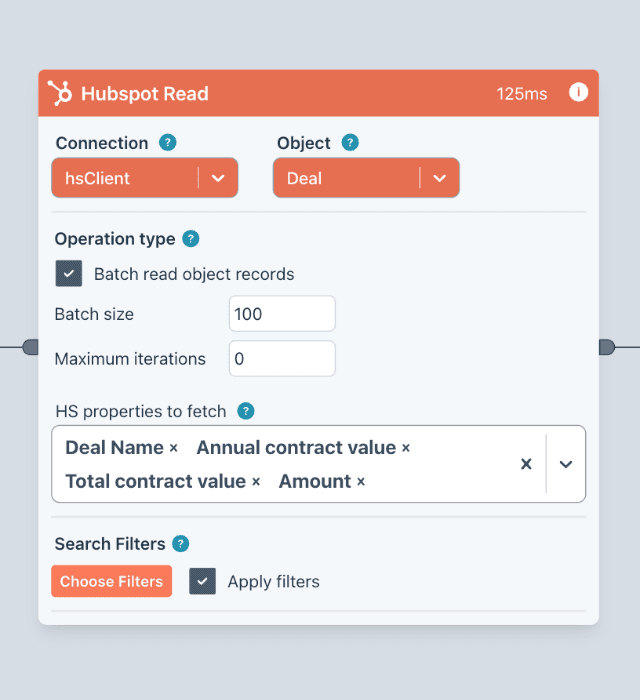
Read
Read anything from HubSpot with batching, filtering, property selection
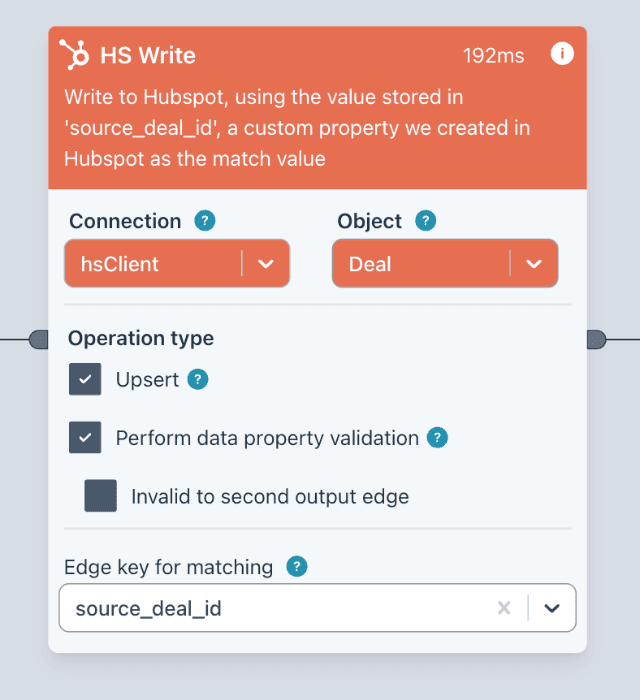
Write
Update, upsert any HubSpot object. Validation, batching, specify properties you want to update
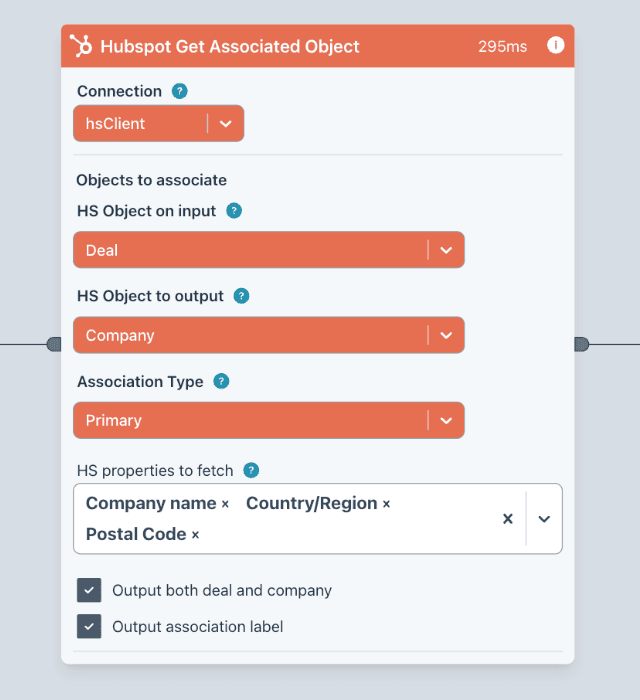
Get Associated Object
Get associated objects of the require type. Specify the association type and choose what properties you require.
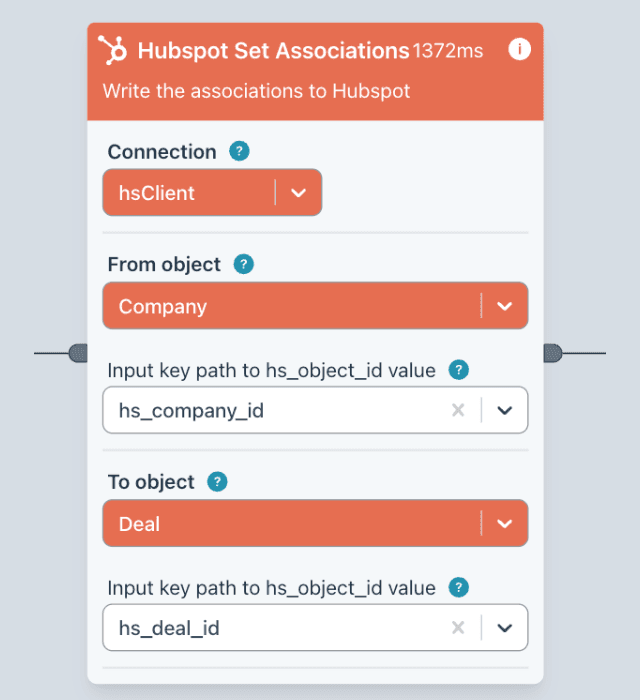
Set Associations
Make associations in Hubspot based data passed into the block