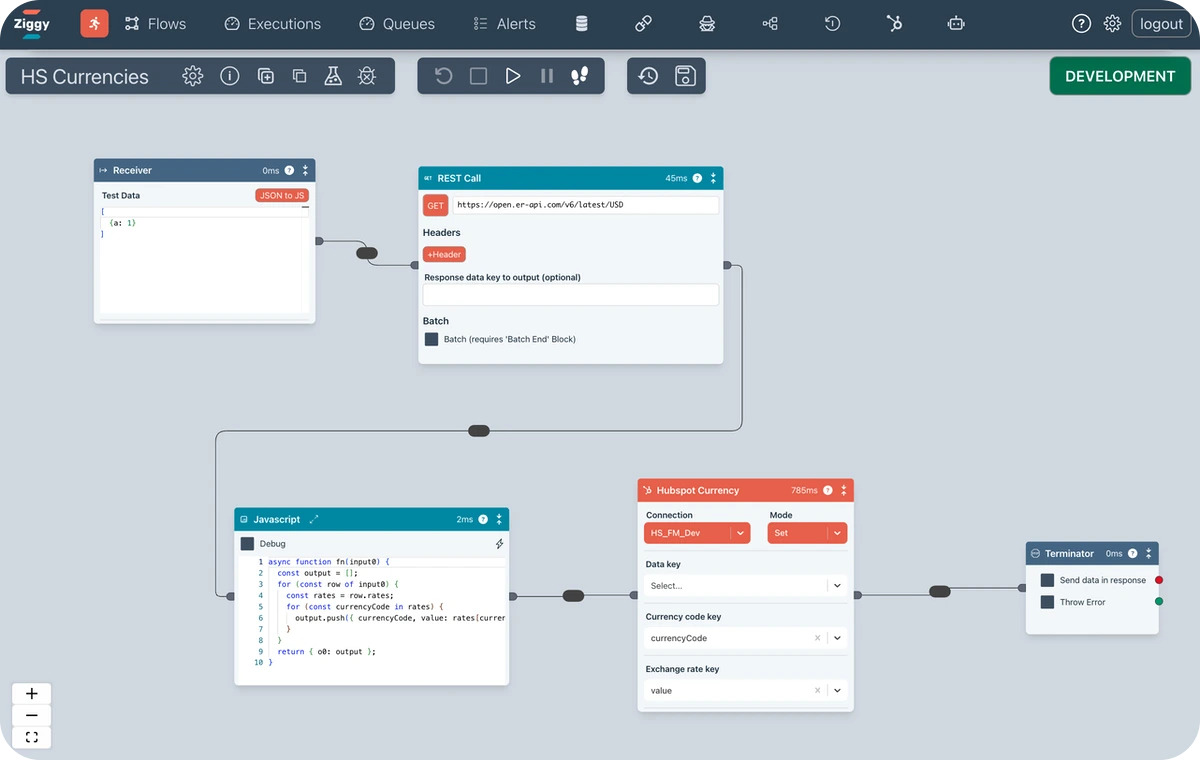
A Ziggy flow is a canvas based pipeline for performing operations on data. There is a large number of blocks you can use to read, write, transform, map data as it flows through the pipeline.
Features overviewFlow Editor
A drag-and-drop canvas for building your data pipelines. These can be very simple but complex flows are no problem, too.
Blocks
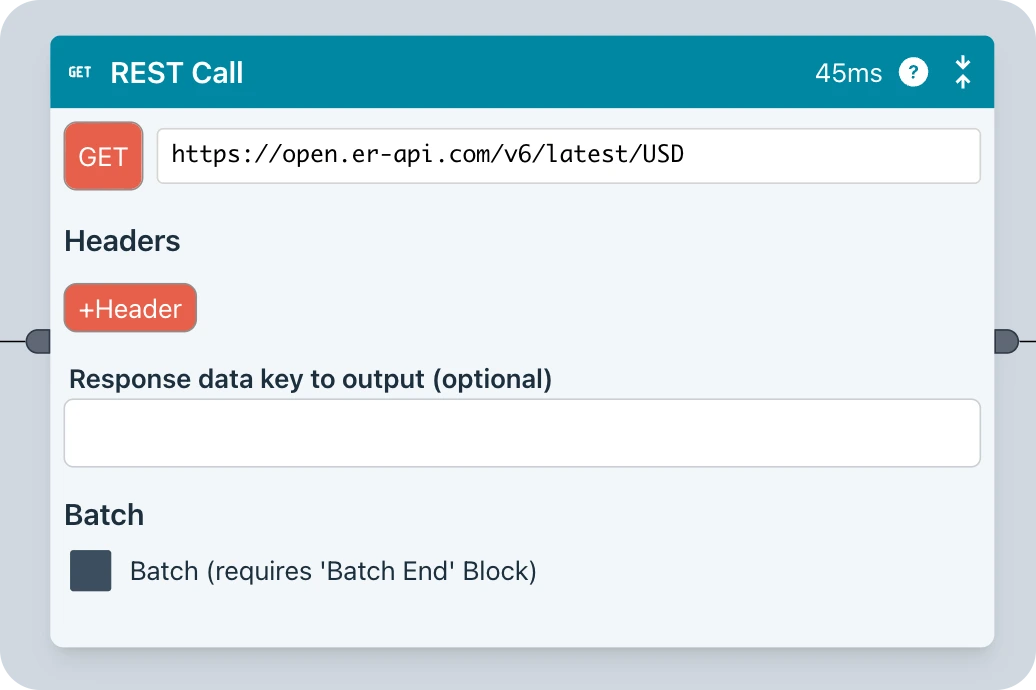
Ziggy Blocks are designed to be incredibly friendly and easy to use. Each block does one thing and one thing only. No more highly complex dialogs. Dropdowns are dynamically populated from the underlying platform.
Want an example? See the HubSpot blocks to see a complete collection for the HubSpot platform
Debugger
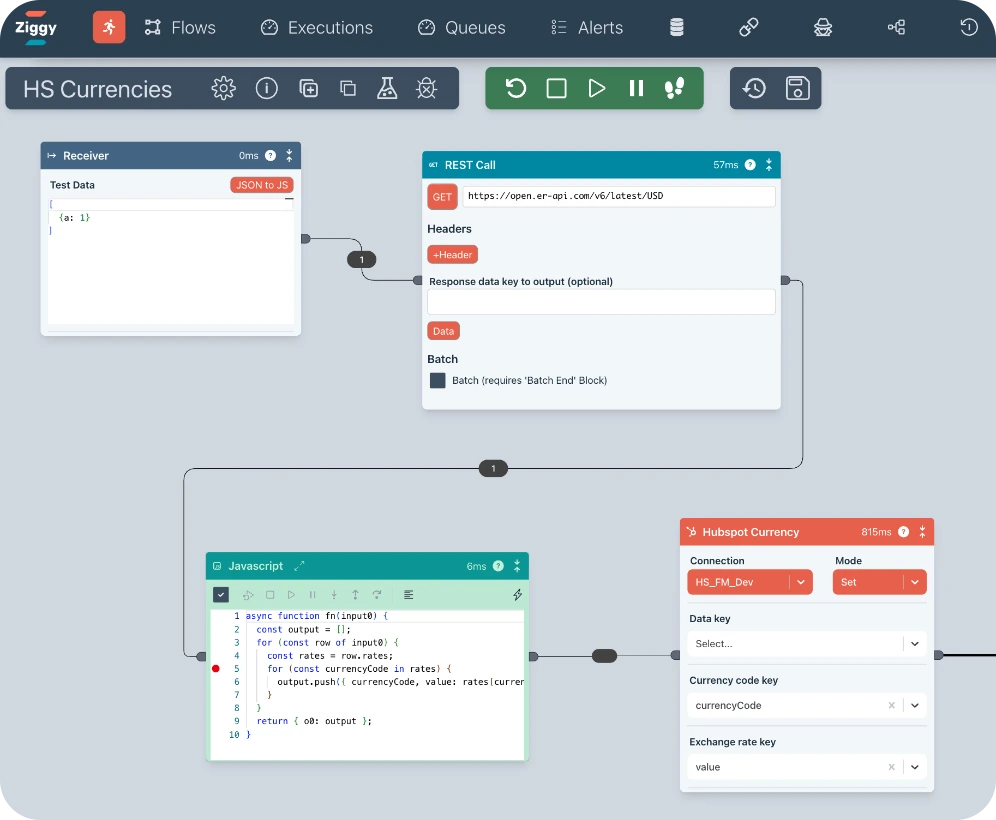
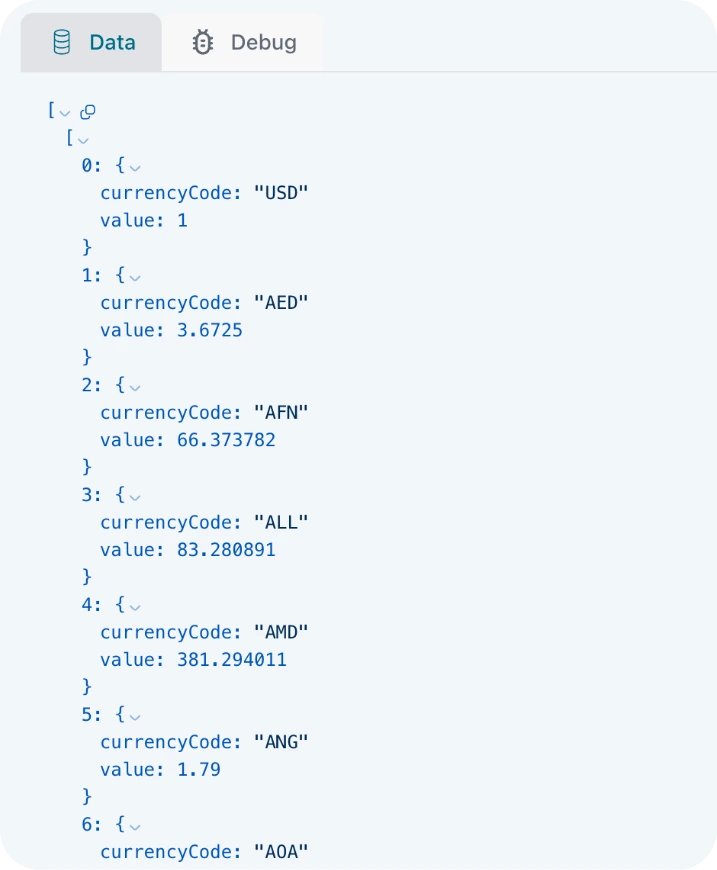
Step through your Flows, inspecting data in the pipeline as you go. You can also debug within the Javascript block with stepping and variable inspection.
Data Validation and Transformation
Ziggy offers several ways to validate and transform data in a flow
- AI Edge Transform
- Dialogs for reusable validations and mappings
- The AI supported Javascript block can cover simple cases and absolutely any edge case

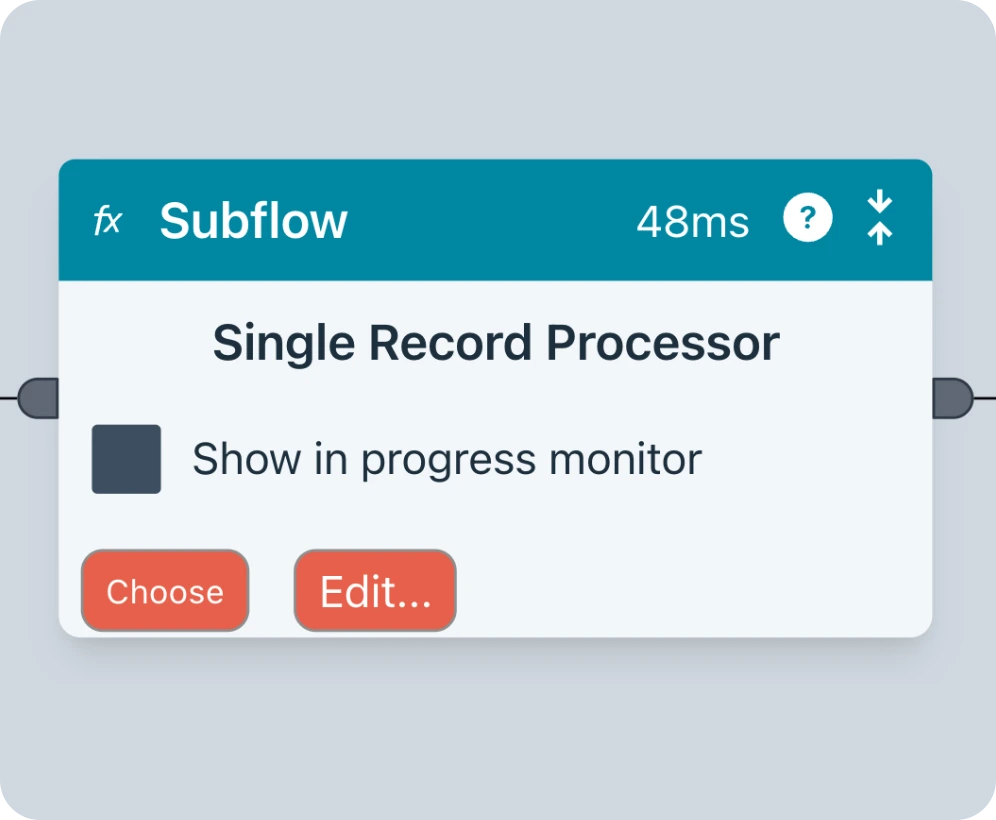
Flow Editor
A drag-and-drop canvas for building your data pipelines. These can be very simple but complex flows are no problem, too.
Blocks
Ziggy Blocks are designed to be incredibly friendly and easy to use. Each block does one thing and one thing only. No more highly complex dialogs. Dropdowns are dynamically populated from the underlying platform.
Want an example? See the HubSpot blocks to see a complete collection for the HubSpot platform
Debugger
Step through your Flows, inspecting data in the pipeline as you go. You can also debug within the Javascript block with stepping and variable inspection.
Data Validation and Transformation
Ziggy offers several ways to validate and transform data in a flow
- AI Edge Transform
- Dialogs for reusable validations and mappings
- The AI supported Javascript block can cover simple cases and absolutely any edge case
Block Collections
Sheer user friendliness is our goal. So we never overload dialogs that require hours of training or reading to understand.
Instead, each platform comes with a collection of blocks, each of which does one thing and one thing only.
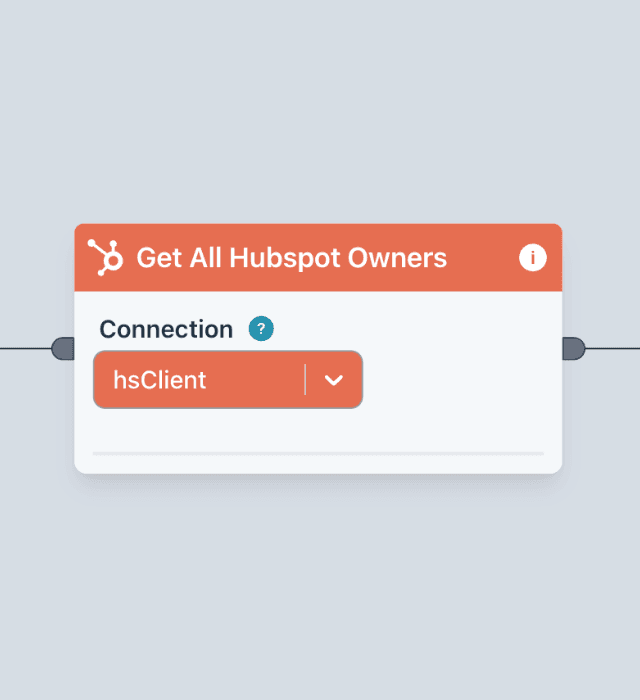
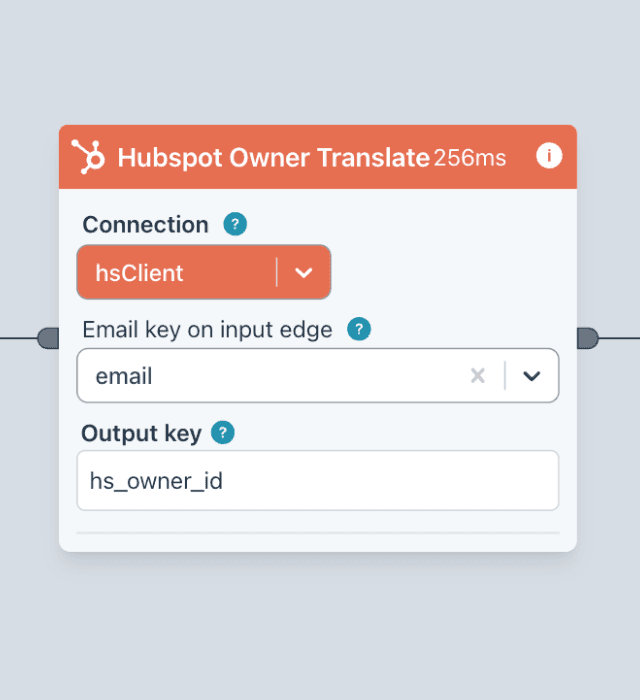
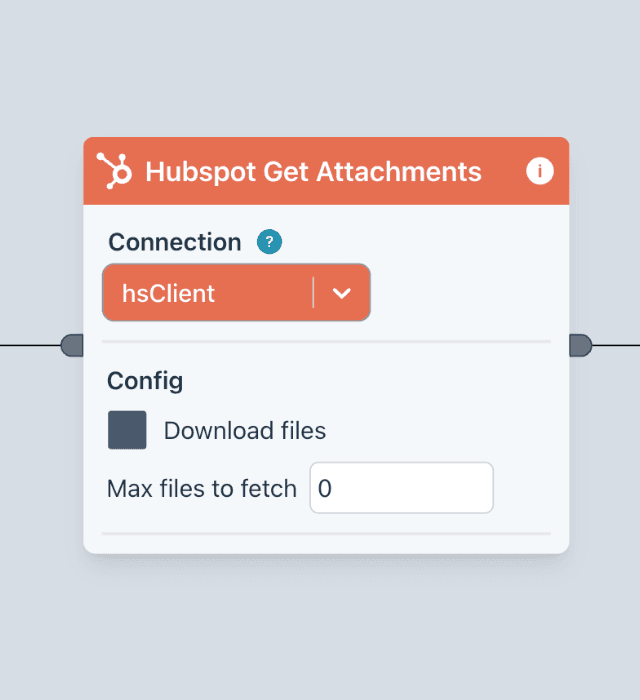
Scroll through our HubSpot collection to see how each block does one thing and makes it easy.
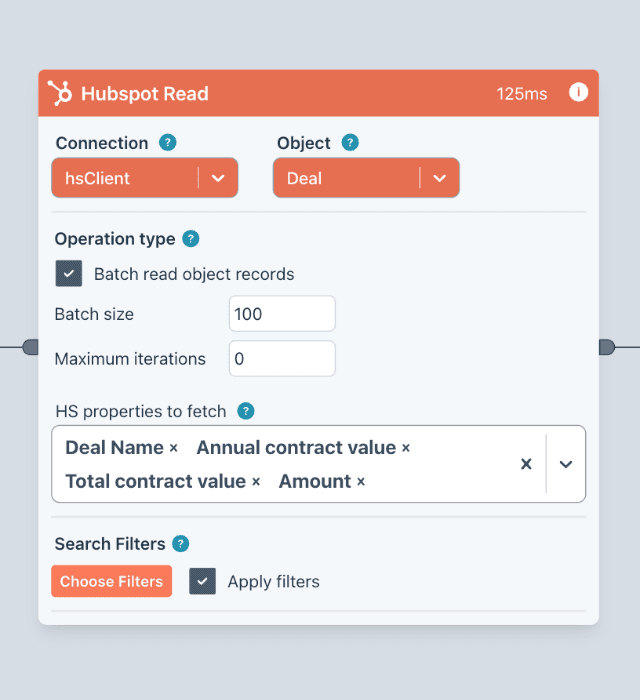
Read
Read anything from HubSpot with batching, filtering, property selection
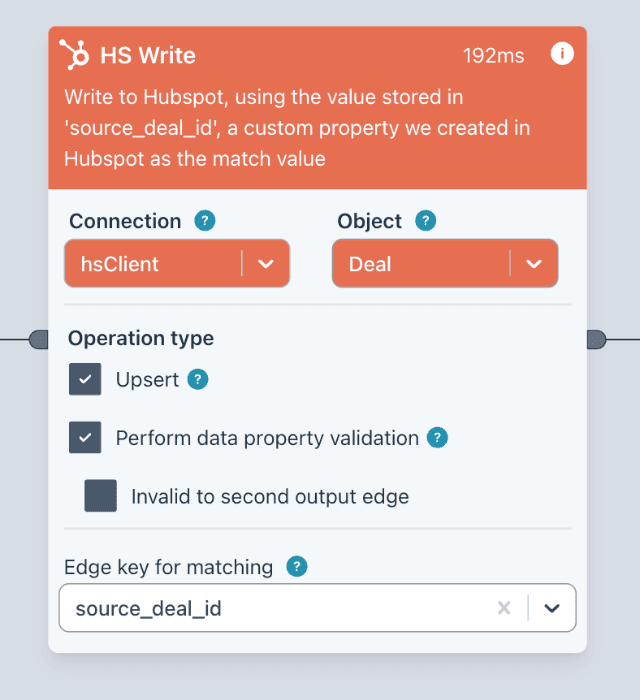
Write
Update, upsert any HubSpot object. Validation, batching, specify properties you want to update
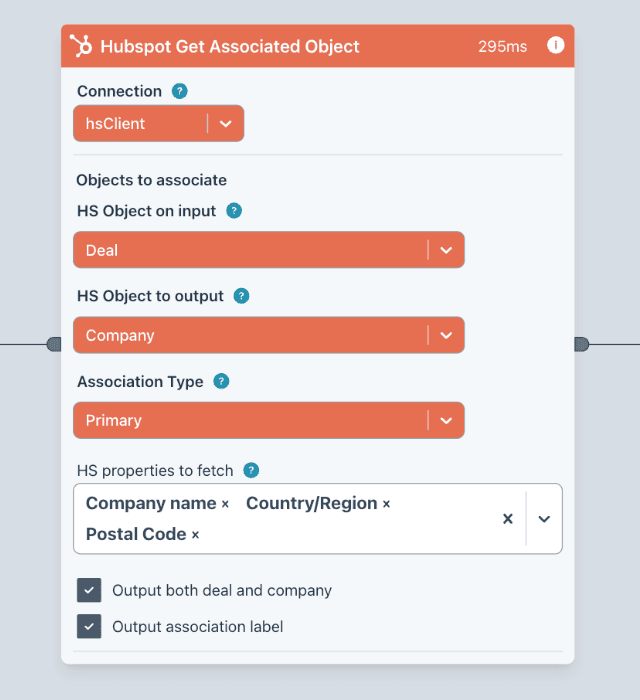
Get Associated Object
Get associated objects of the require type. Specify the association type and choose what properties you require.
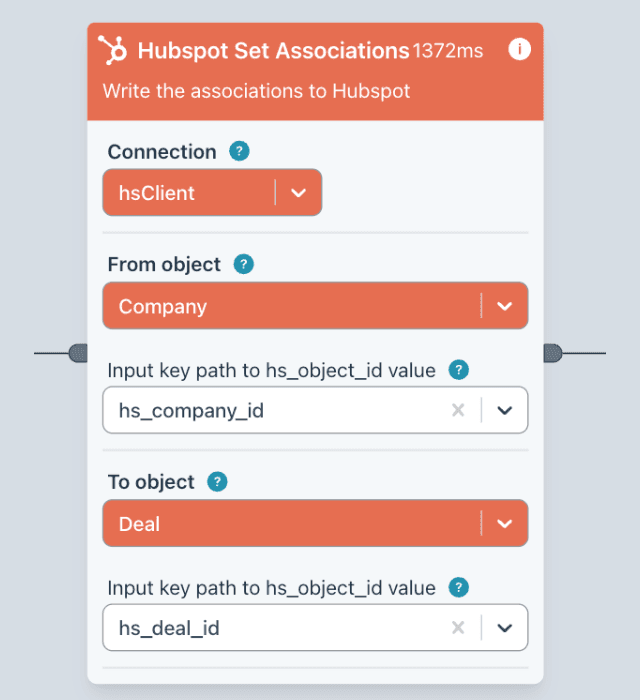
Set Associations
Make associations in Hubspot based data passed into the block

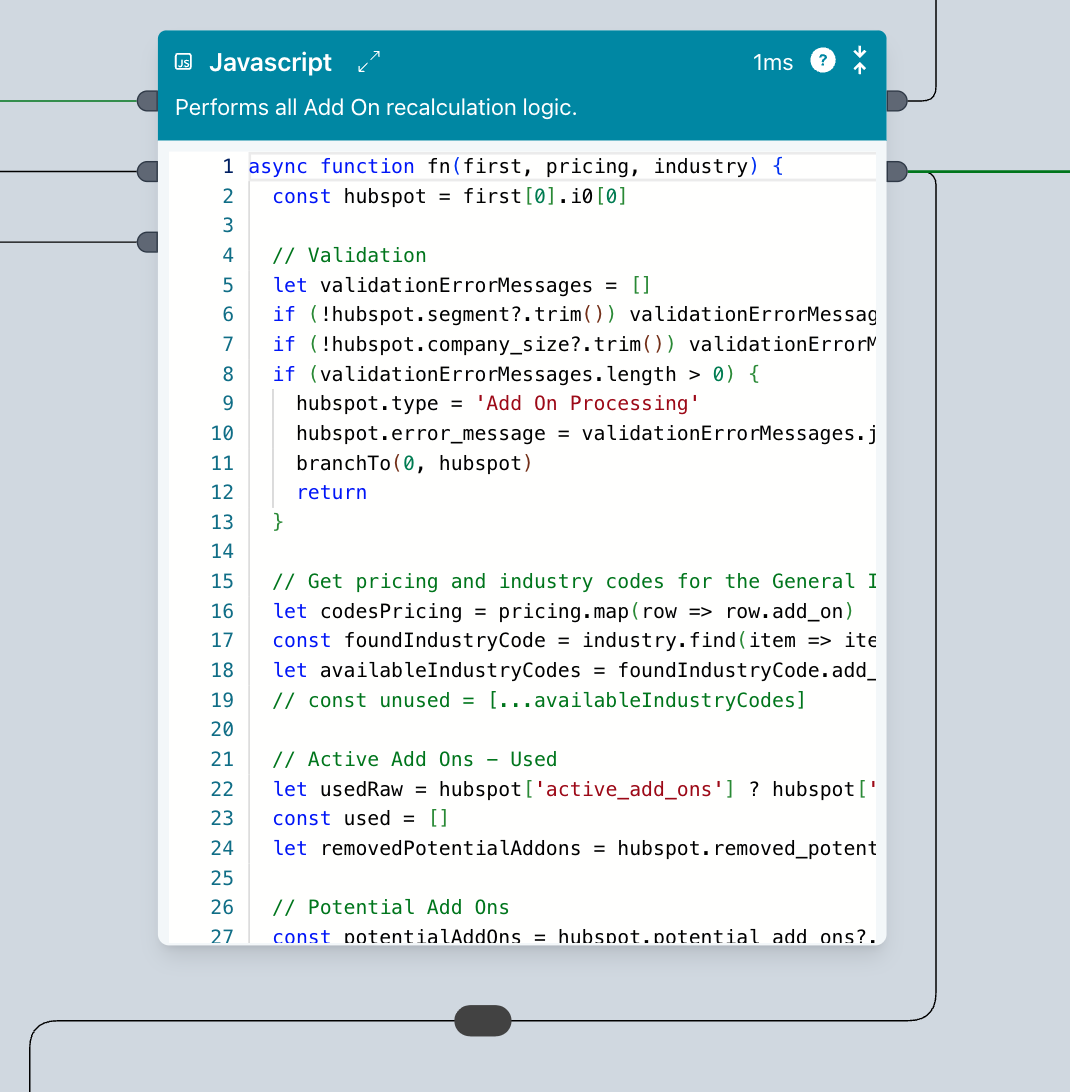
AI supported Javascript block
This is a "do anything" block. You don't need to be a developer to use the Javascript block. It's fully AI supported letting you generate code and explain it, too.
And it uses the data from the incoming edge to help produce the best possible results when developing.
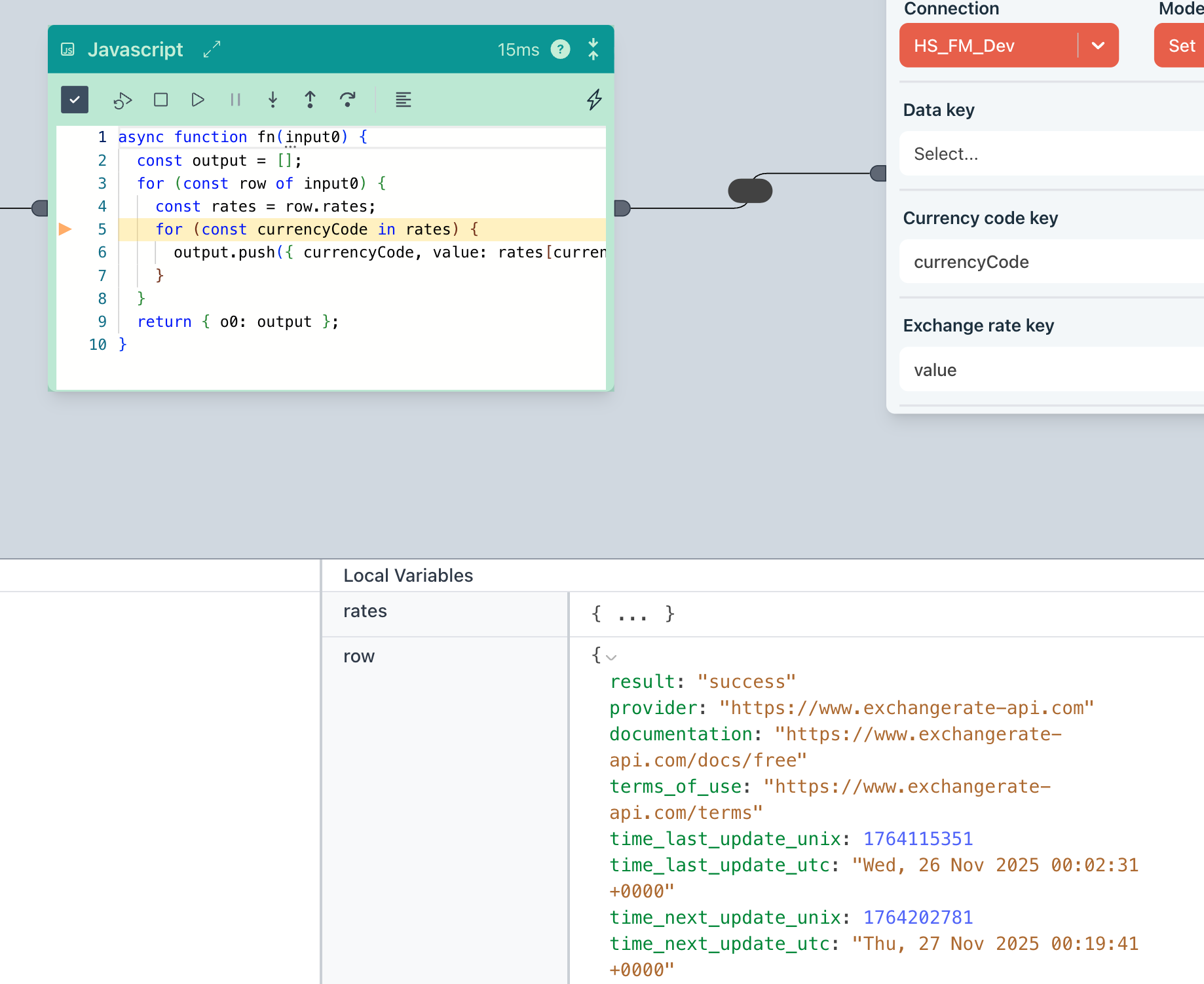
Debugger
Comes with a fully integrated debugger, letting you step through your code and inspect variables
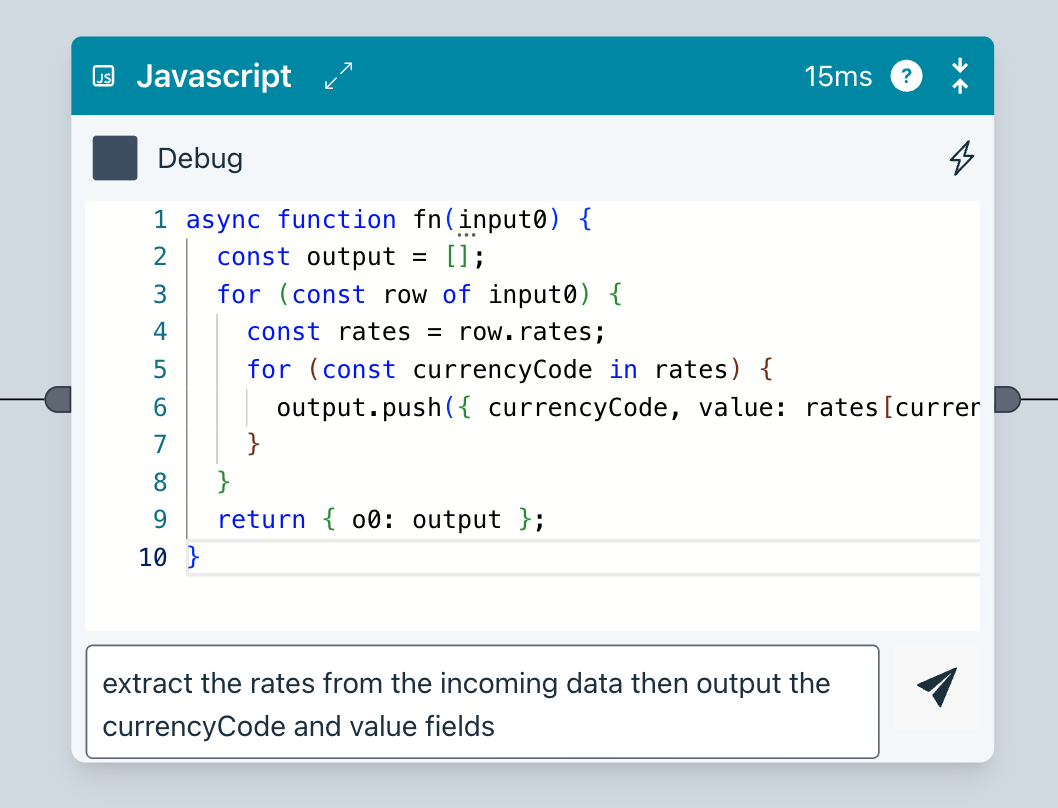
AI Code generation
Ziggy will generate code from your instructions. It also understands the data in your flow to ensure it has the full context.
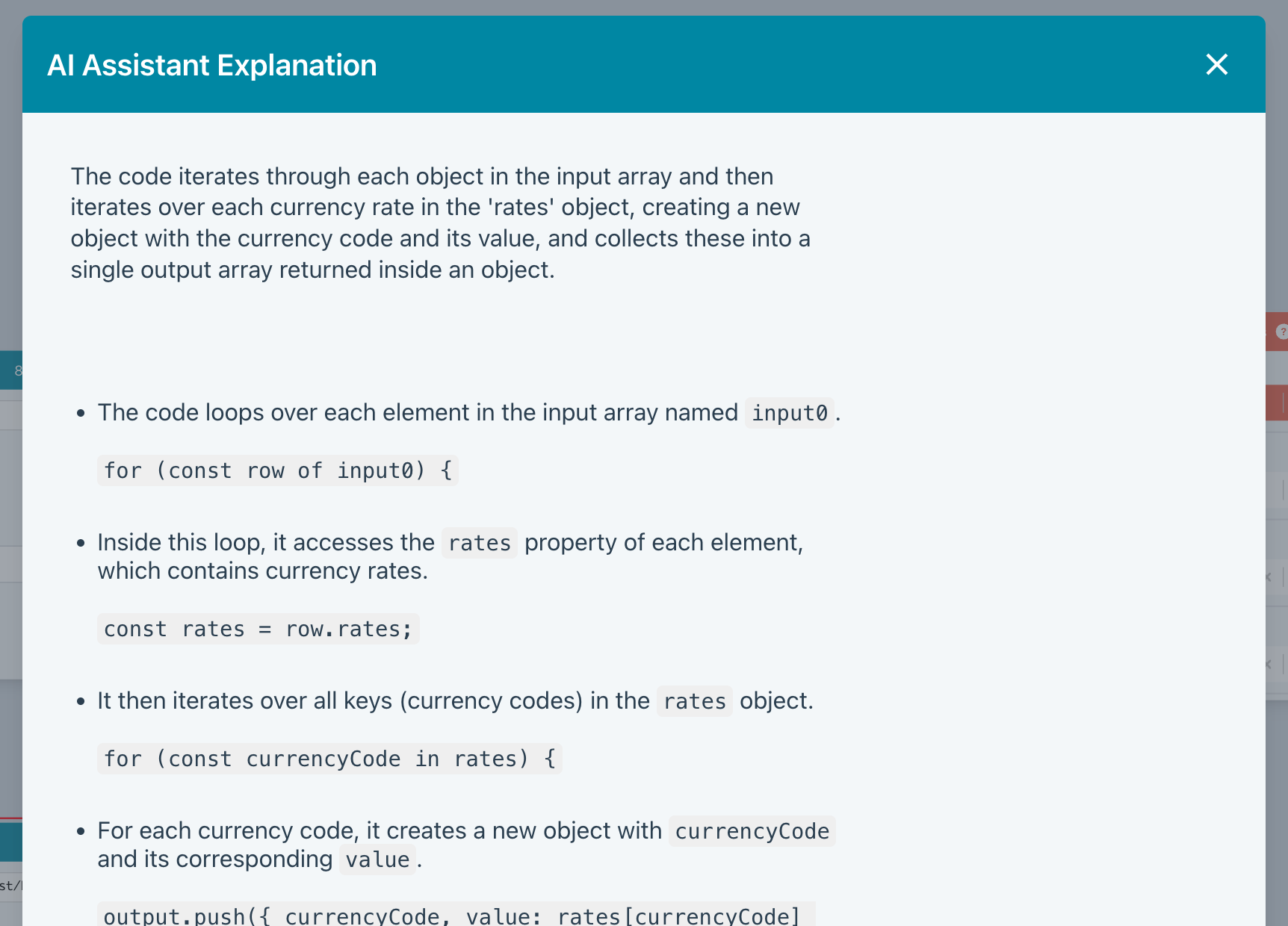
AI Explain
Not sure what's going on? AI Explain will put you out of your misery.